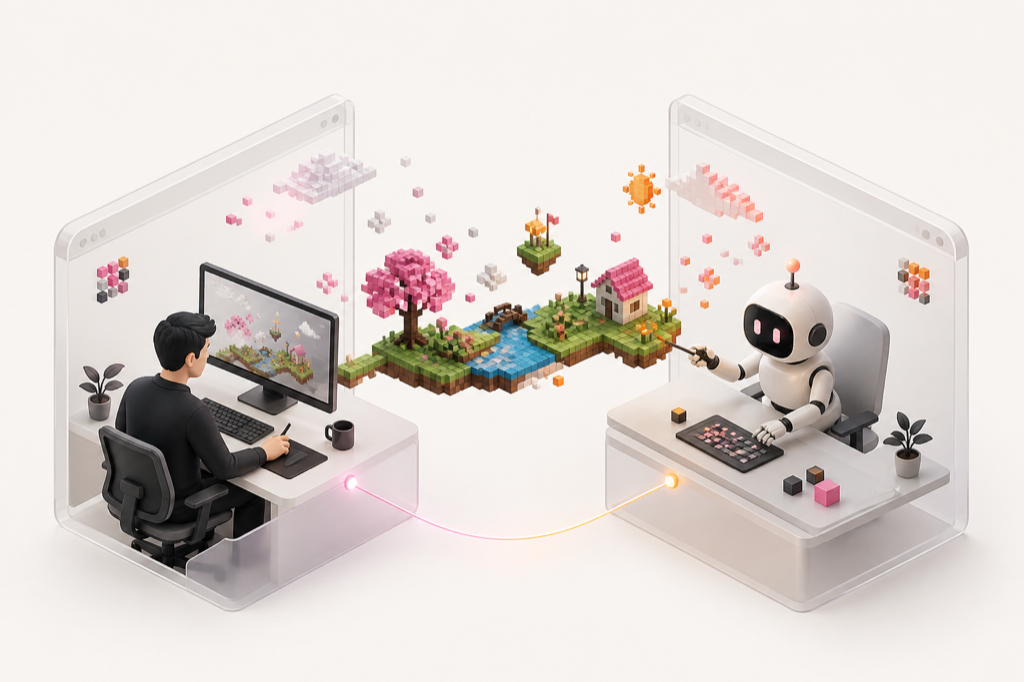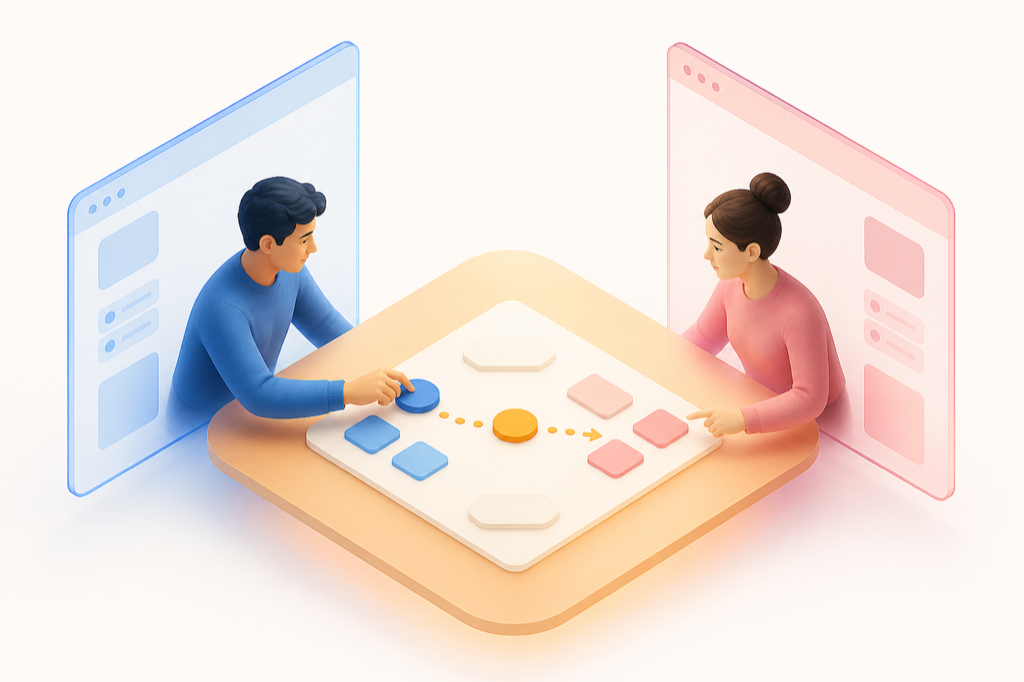

Don’t just ask AI.
Work with it.
Share the same workspace with AI. Build, explore, and move the work forward together.
Pick up software exactly where someone—or AI—left off.
You’re seeing people who are here with you. Ato brings that sense of presence into software.
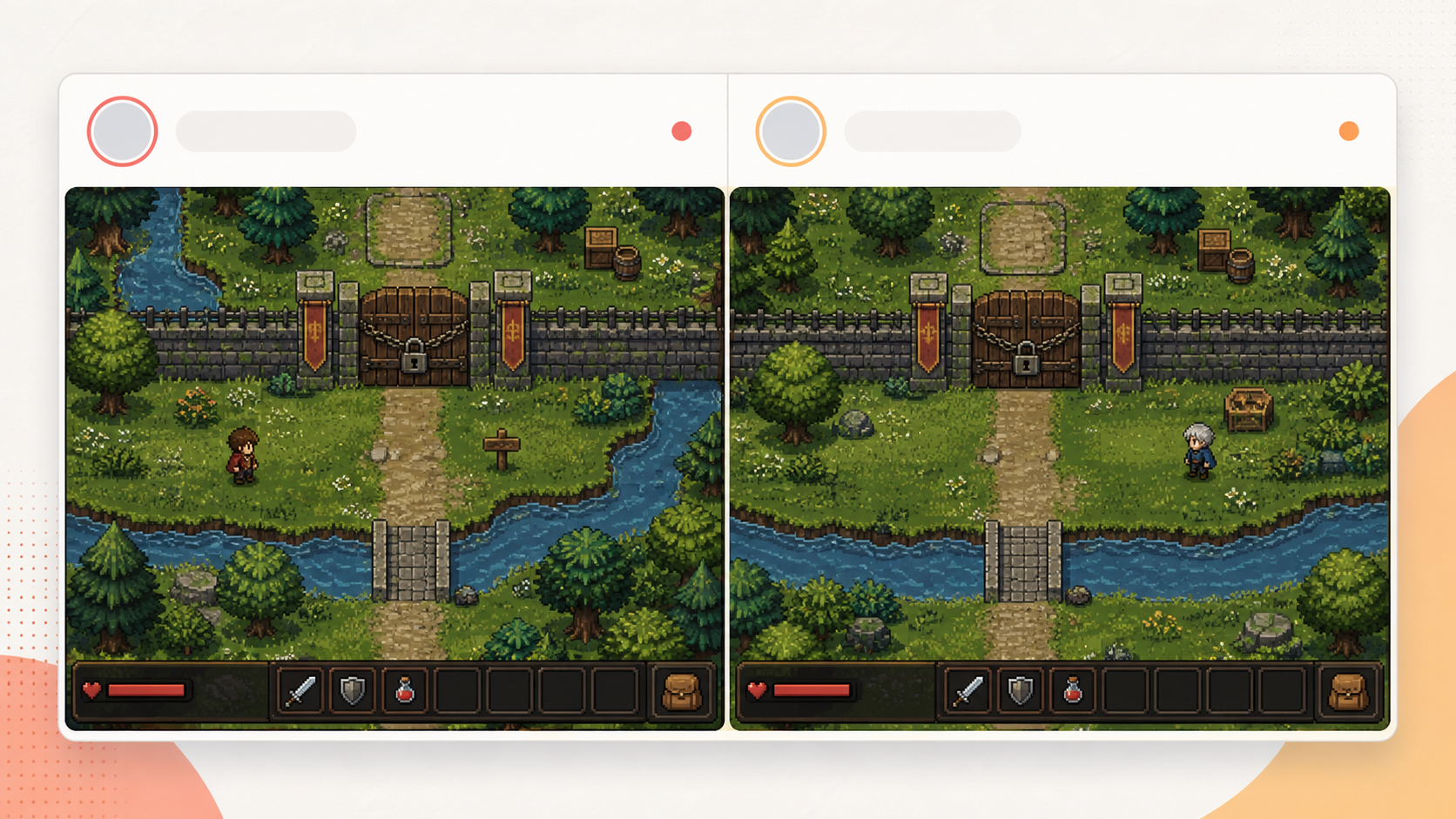
Two different screens. One shared software activity.
Discover an activity by what people are doing, then decide whether to play, explore, or make it your own.
Share the same workspace with AI. Build, explore, and move the work forward together.
Jump into the same software experience and do something together, from wherever you are.
A Capsule turns software and its current state into something you can share and continue from.
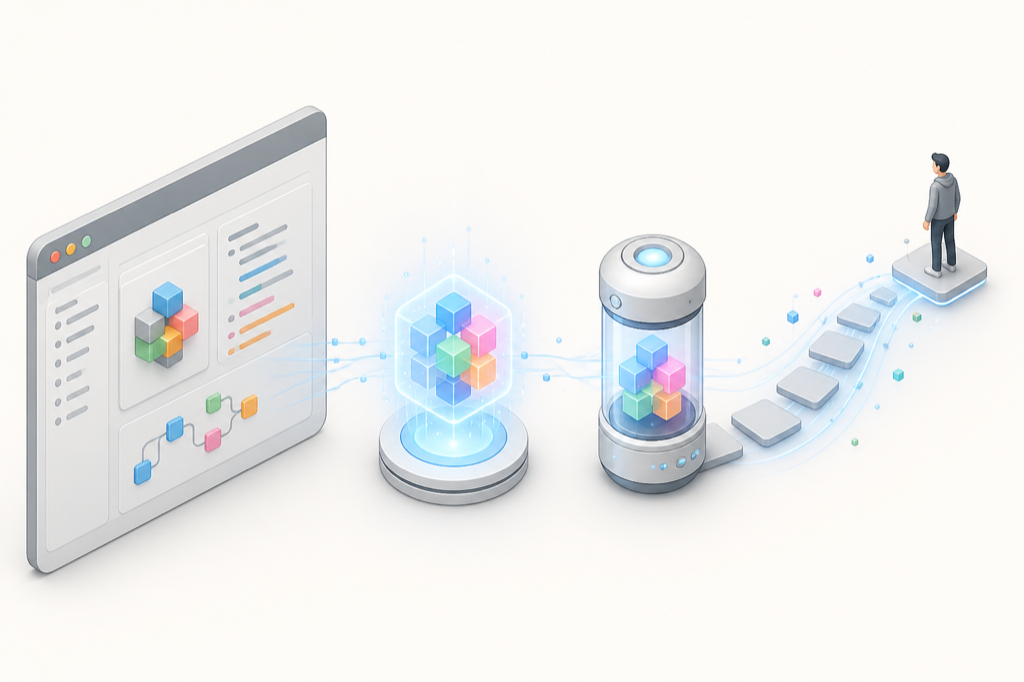
Open a software activity, see the state someone left behind, and decide what to do next.
A Capsule is more than a snapshot. It preserves the parts that make an activity continue, while keeping external resources replaceable.
The shareable continuation point: a compact handle for software, state, and the context needed to pick the activity back up.
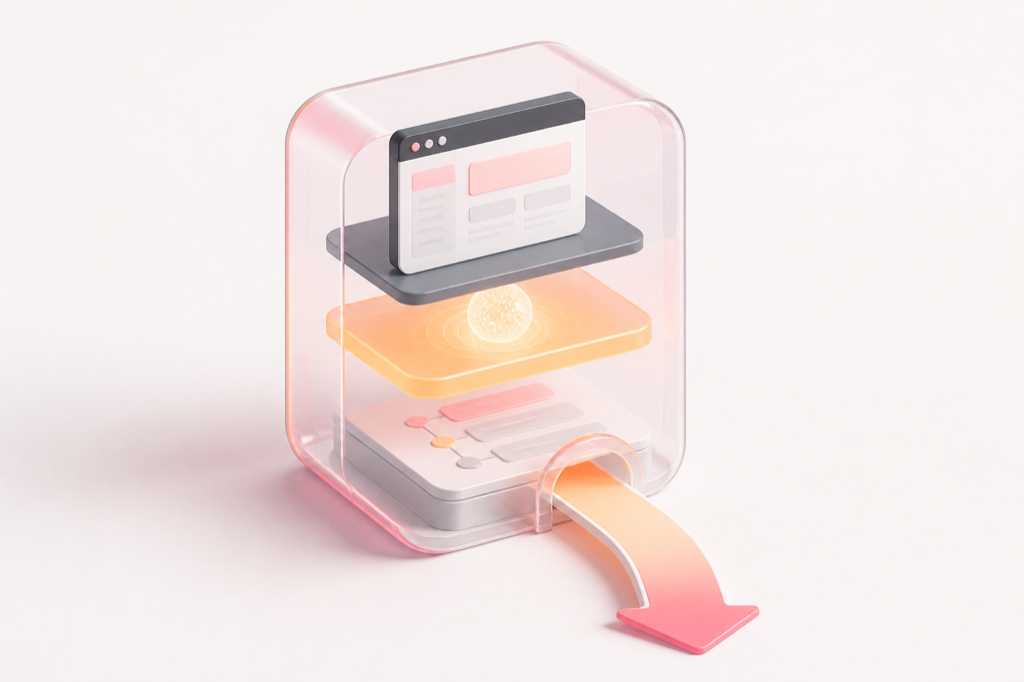
State is the part of the software that gives the next person a meaningful place to start.
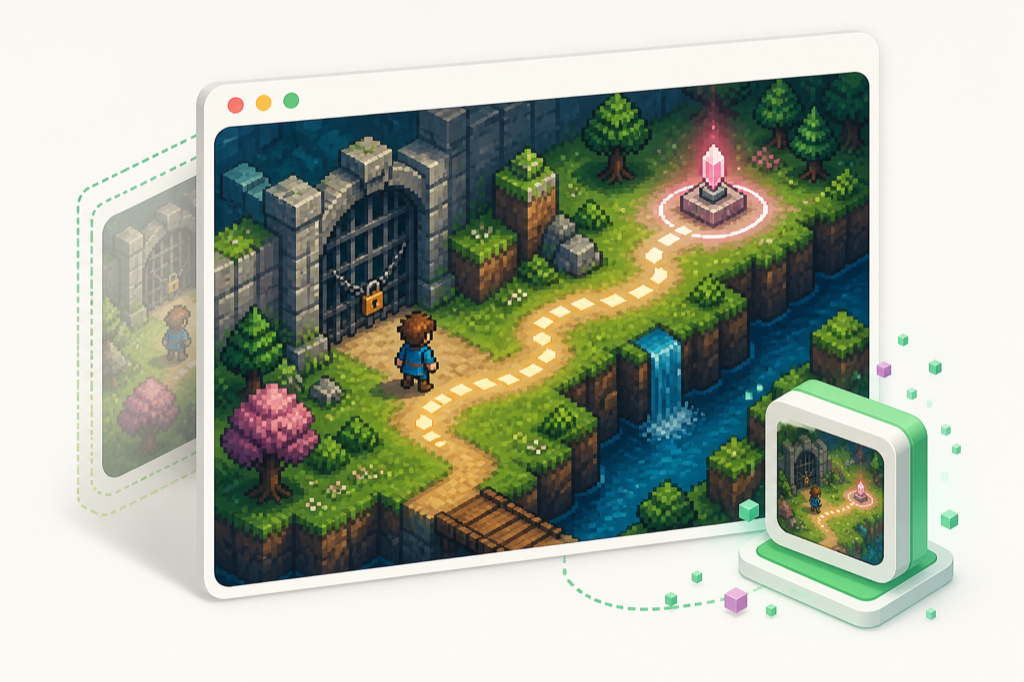
A Capsule starts from real software: a game, a tool, a workspace, or anything that can hold an activity.
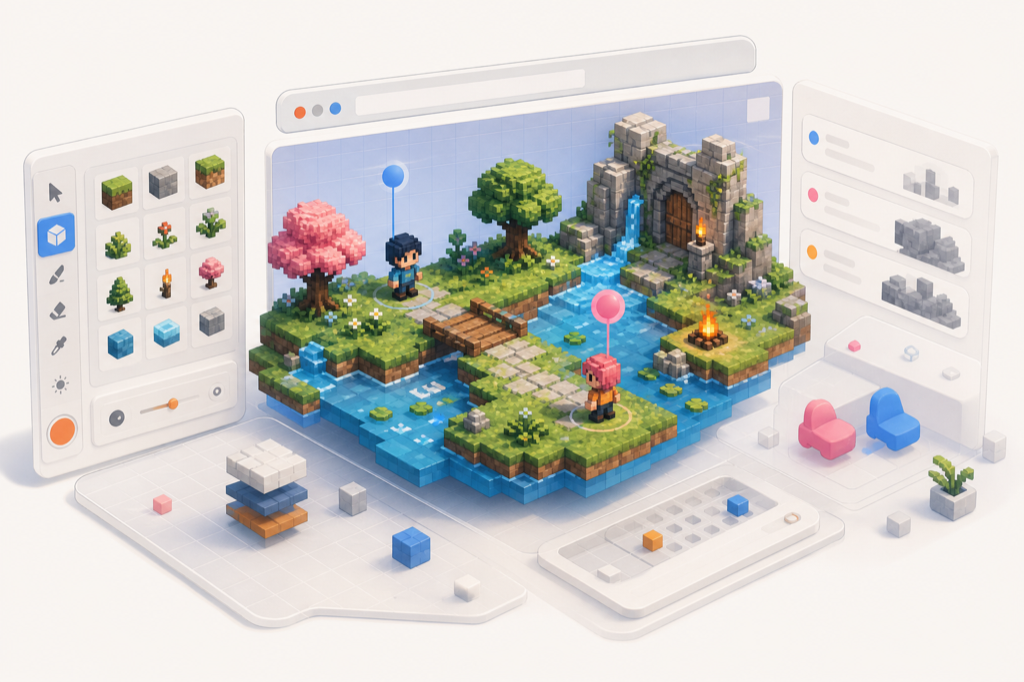
Context tells the next participant what is worth doing now—without turning the experience into a tutorial or a dashboard.
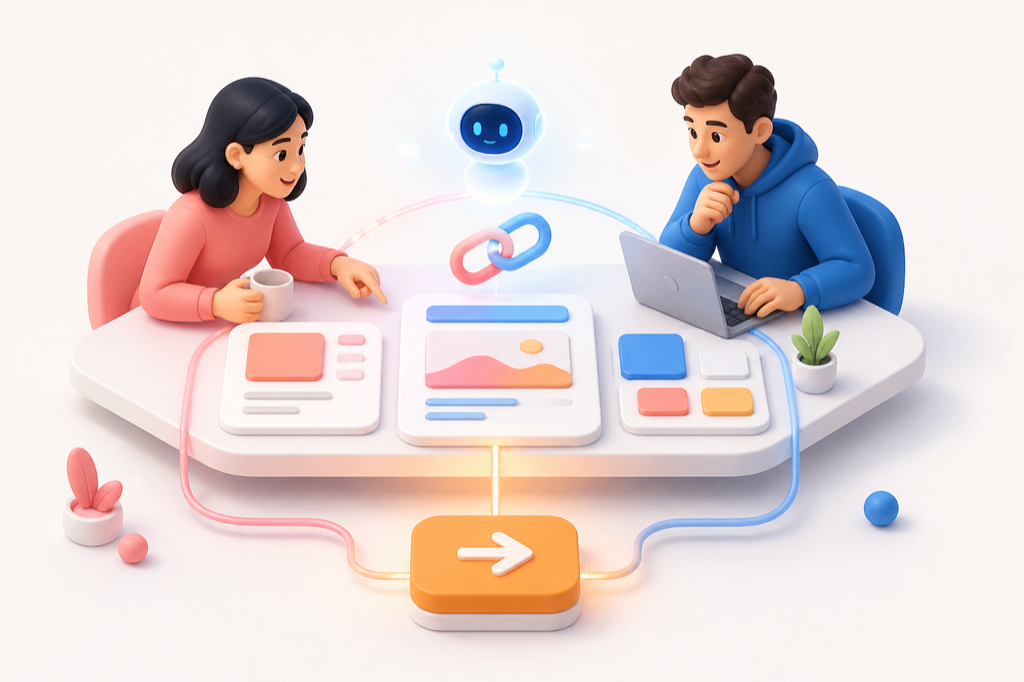
The path into the current state gives a participant confidence that the activity is real, not an empty template.

External resources can be connected when the Capsule runs, so the continuation point does not hard-code every dependency.
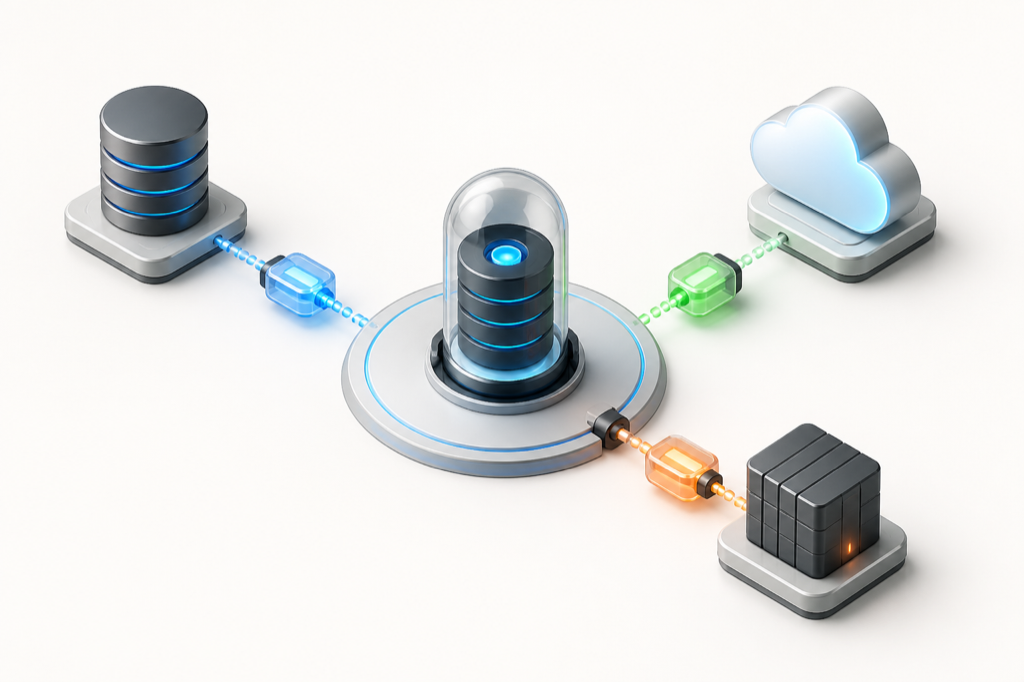
Ato turns the declaration and resolved state back into a runnable activity when someone opens the Capsule.
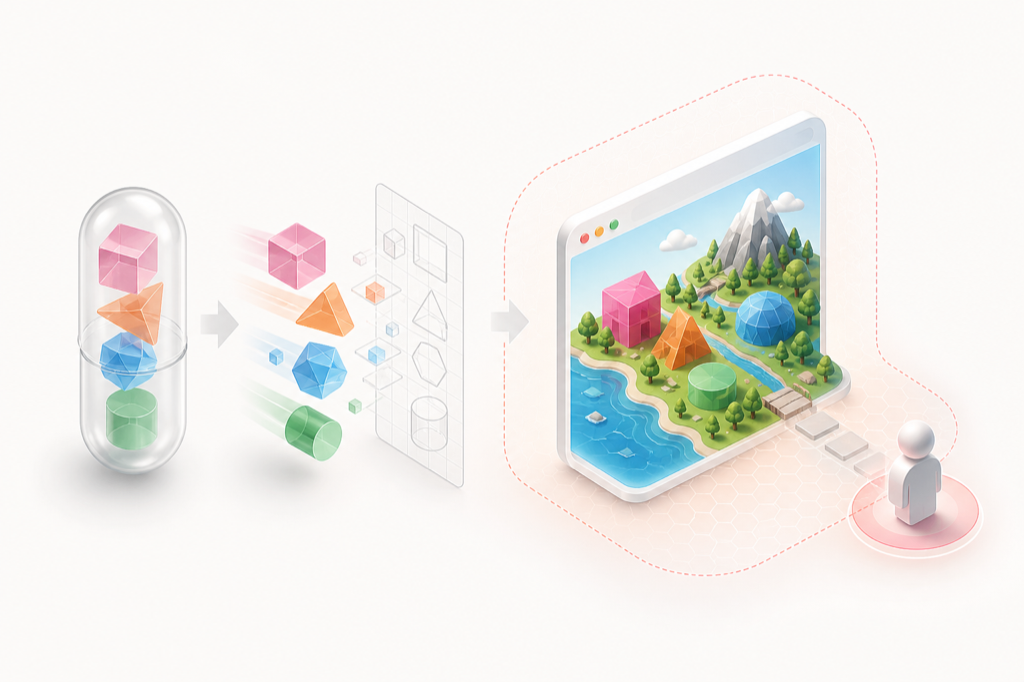
See what people and AI are doing, then pick up a software activity that is already in motion.
Join the creator waitlist and learn how to turn software into a shareable Capsule.